Extensions
A comprehensive list of features are available when viewing the extension from the Administration website. This view gives the user access to their group membership and phone buttons.
Accessing Your Extension
- Log in to your WebFones account
- Click Extensions in the navigation menu
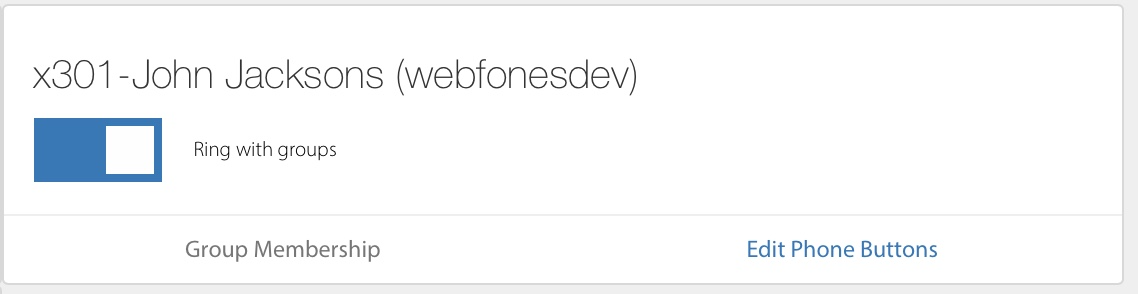
Ring with Groups
The Ring with Groups switch allows a user to disable all ring group memberships for their extension. Specific group memberships can be managed by clicking on Group Membership.
Edit Phone Buttons
Phone Status Buttons are what appear on the screen of your Yealink Desktop phones. Phone buttons let you monitor other extensions and create speed dials.
To add phone button extensions, click on Edit Phone Buttons editor. An interface will appear where you can add new buttons and reorder existing ones. Use the up /down icons on the left to order the items.
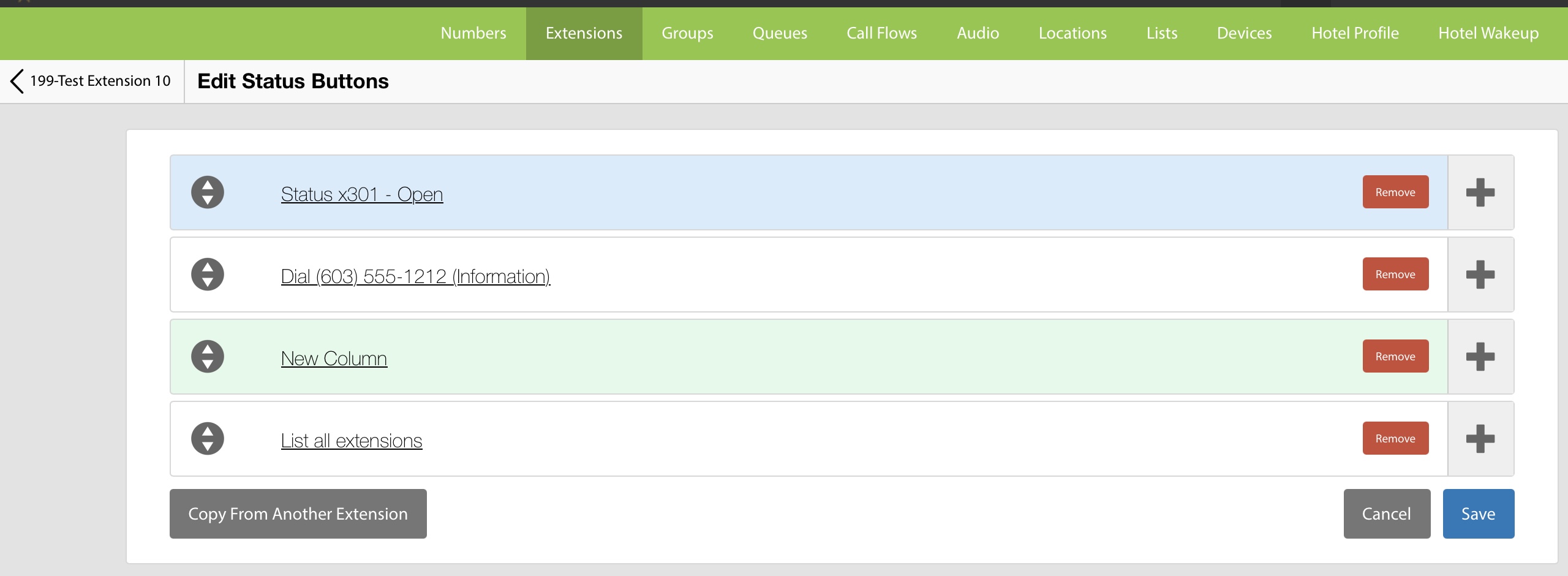
Edit Button Controls
Left Arrow Controls allow you to drag the rows up or down to change the order.
Right Plus will add a new row below the current row. Click on the Setup Status Button link to get a list of options.
Button Setup Options
Extension will allow you to select a phone system extension to monitor on your phone.
Extension Custom Label does the same thing as Extension but allows you to enter a custom label.
Switch Can be used to turn on and off a switch that has been defined in your call flows.
Dial Is for dialing an outside number.
Intercom creating a quick dial to intercom another extension. The target extension must have intercom endabled.
Voicemail transfer to voicemail button.
Pickup Grp allows you to pickup a ringing call using a group number (0-9). The group number needs to be set on the incoming call and must match for this to work.
Directory will expand to all extensions with directory enabled. It will exclude any extensions that are manually specified earlier in the list.
Organization Directory will expand to all extensions with directory enabled that are assigned to the same organization. It will exclude any extensions that are manually specified earlier in the list.
Group Directory will expand to all extensions with directory enabled that are also members of a specified ring group. Like the other directory commands, it will exclude any extensions that have been referenced earlier in the list.
Column positions next item at the top of the next column on the phone.
Page positions the next item on the next page.
Space skips a position.