▼
Getting Started
▼
End User Resources
▼
Using Your Phone
▼
Troubleshooting
Home ›
Faxes
Faxes
Send and receive faxes digitally through your WebFones account without needing a physical fax machine.
Accessing Faxes
- Log in to your WebFones account
- Click Faxes in the navigation menu
Viewing Received Faxes
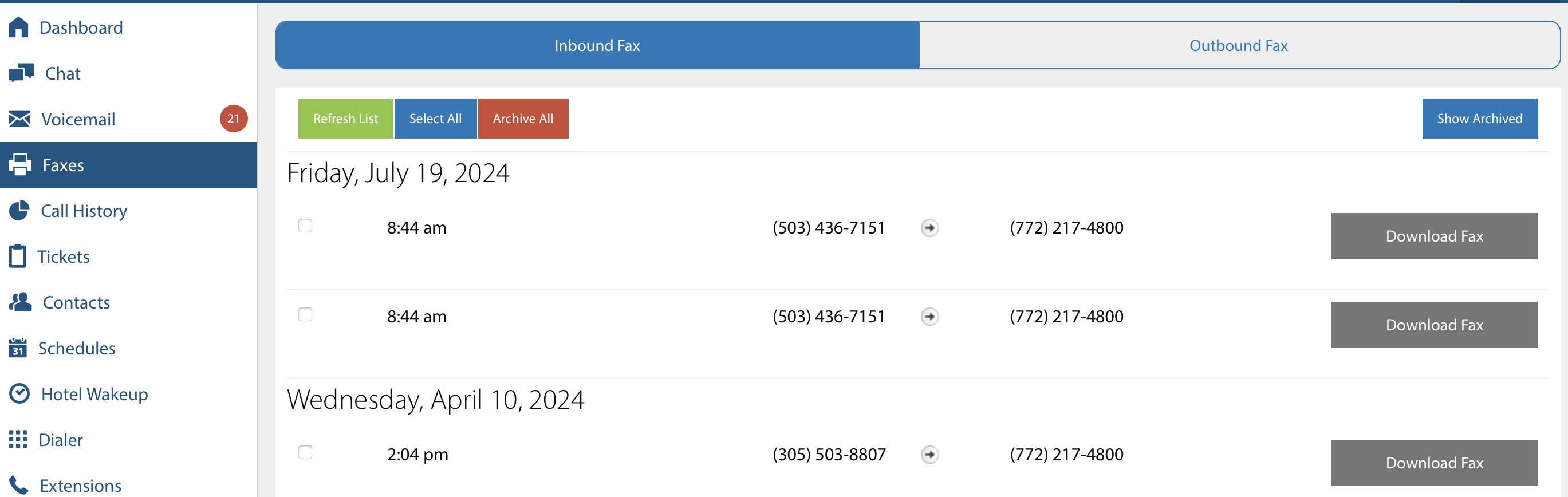
Incoming faxes appear in your fax inbox. Each entry shows:
- Sending and receiving fax numbers
- Date and time received
Sending a Fax
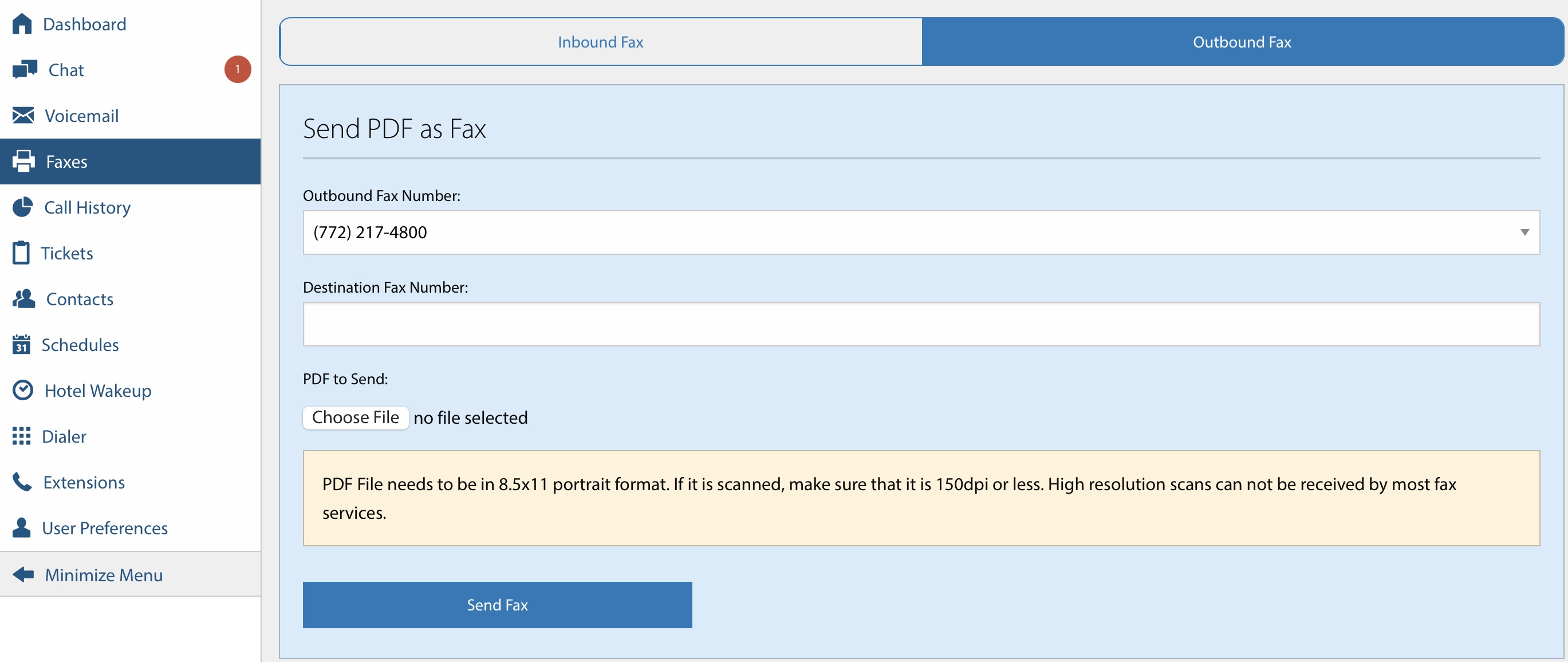
- Click the Outbound Fax tab
- Enter the recipient's fax number
- Upload the document(s) you want to fax (PDF only, resolution restrictions apply)
- Click Send Fax. You will see status at the list at the bottom.