▼
Getting Started
▼
How To
- Simple Number Setup
- Simple Call Flow Setup
- Setup Voicemail
- Create a New Extension
- Edit Phone Buttons
- Create a Conference Bridge
- Create a Fax Extension
- Setup e911
- Ordering Phone Numbers
- Porting Phone Numbers
- Simple Call Flow Menu Setup
- Simple Hours Schedule
- Creating Agents
- Design an Auto-attendant
- Hotdesk
- Test e911
- Create a Routing Extension
- Create Cascading Rings
- Create Cascading Ring to Queue
- Adding a Forward
- Limit 800 Spammers
- Find Call Records
- How To…
▼
Preferences
▼
Management
▼
Phone Admin Guide
▼
Call Flows
▼
API Reference
Home ›
Call Groups
Call Groups
Call Groups
Call groups are used to specify groups of extensions that ring throughout the phone system. Extensions can be activated within a group according to a schedule or manually.
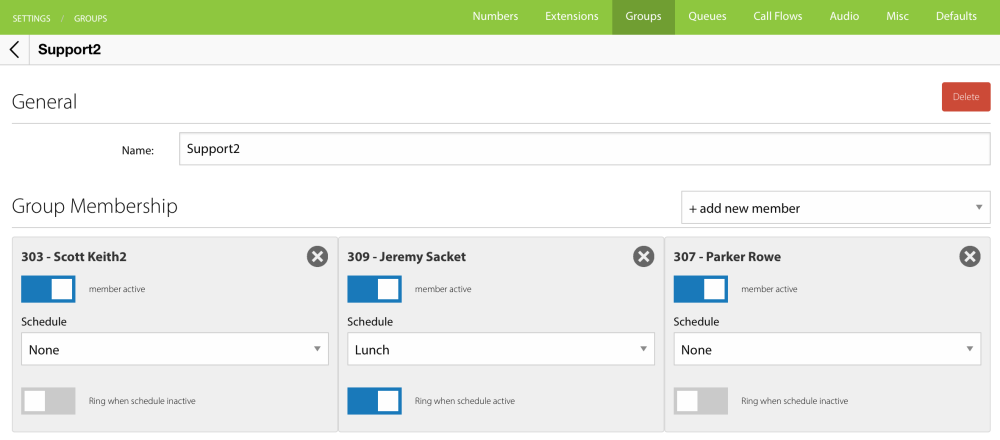
To add a member to a group, select an extension from the “+ add new member” popup. When schedule is set to “none,” the membership is not controlled by a schedule and is either active or inactive according to the status of the group.